Google Launches Gemini Computer Use for Desktop Mac Automation
Google brings autonomous Computer Use to the Gemini macOS app, enabling background desktop automation without hijacking your mouse. Here is what IT leaders must know.
Listen to the story
Ai and Sons Daily Brief
Google has launched native Computer Use inside its Gemini macOS application for Apple Silicon, allowing background desktop automation across native software without cursor hijacking. Maya and Theo discuss the isolated virtual window architecture, platform restrictions, and major enterprise security risks including indirect prompt injection and permanent data loss.
Read the transcript
Maya: Welcome to the A.I. and Sons Daily Brief. I am Maya, alongside our lead analyst Theo. Today, we are examining a significant shift in desktop automation. On November 19, 2026, Google launched native Computer Use inside its Gemini macOS application. This equips the model with operating system agency, allowing artificial intelligence to move from conversational advice to directly executing tasks on Apple Silicon computers.
Theo: Precisely, Maya. It offers a concrete preview of autonomous desktop work. Rather than relying on custom API connectors or scripted RPA routines, Gemini interacts with software visually and contextually, functioning much like a human operator sitting at a workstation. According to the Google Blog, the system can parse graphic interfaces, click buttons, enter form text, manage local files, and copy data across applications and web browsers.
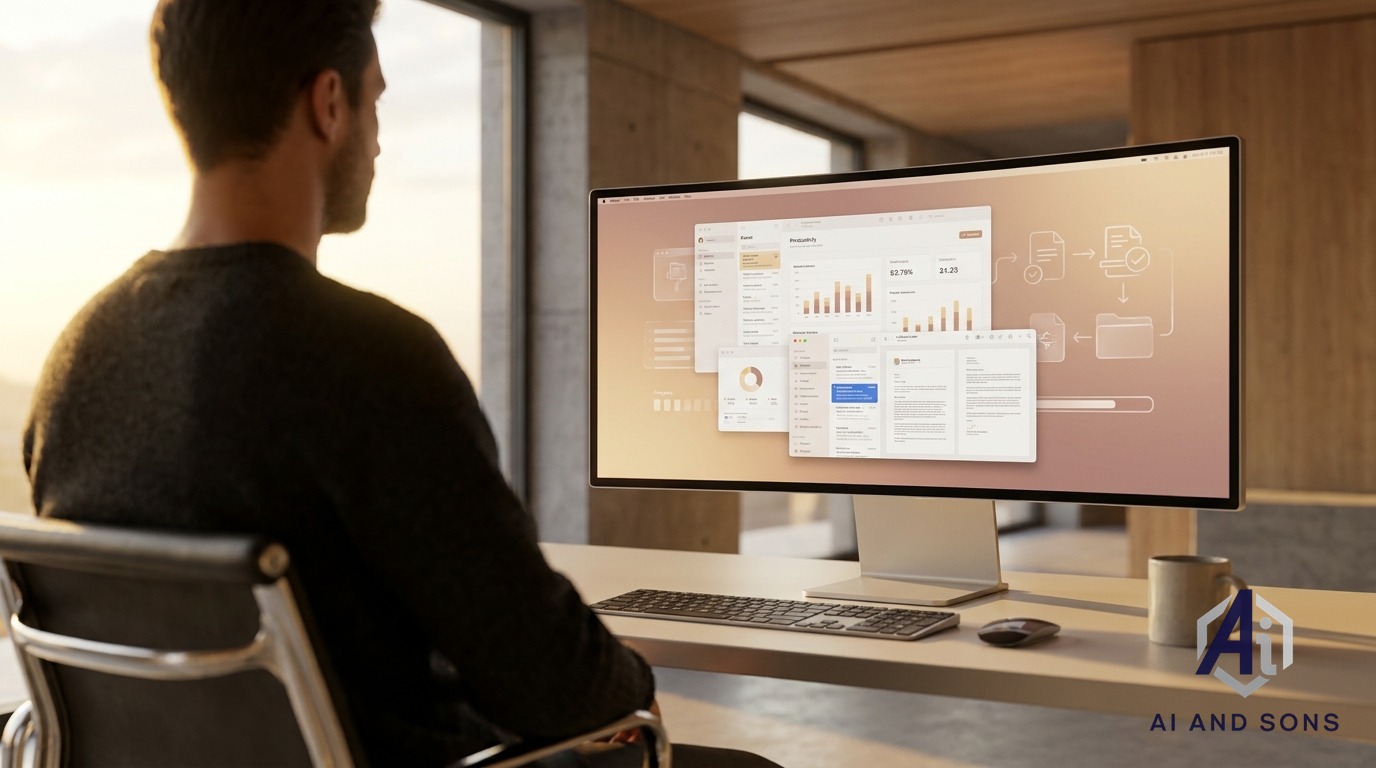
Maya: What stands out immediately is how Google tackles workflow ergonomics. A major failure mode of early operating system agents was physical interference with human productivity. Those previous agent architectures hijacked the user's primary display and hardware cursor, forcing workers to abandon their computers while the model clicked around. Google avoids that by using an isolated virtual background window. It streams a real-time live video preview inside the Gemini chat pane while leaving your physical keyboard and mouse completely unobstructed.
Theo: That virtual background setup makes parallel processing viable on standard hardware. Google demonstrated production tasks like extracting shipping records from local PDF invoices into enterprise web portals, batch processing image color grading routines, and synthesizing multi-region business dashboard metrics into Google Slides presentations. That helps automate swivel-chair integration where human staff manually transfer data between legacy applications that lack modern software development kits. Still, the initial rollout comes with substantial platform limitations that IT leaders need to weigh.
Maya: The deployment constraints are quite specific. It requires an Apple Silicon Mac running macOS Sequoia 15.0 or later, and availability is strictly limited to United States users aged eighteen and older interacting in English via personal Google accounts. Paid consumer tiers like Google AI Plus, Pro, and Ultra are included, though documentation hints desktop execution may ultimately require Pro or Ultra. Crucially, enterprise Google Workspace accounts are not yet supported, which poses immediate shadow IT risks as unmanaged personal setups run corporate workflows.
Theo: Security teams also face serious exposure vectors like indirect prompt injection. Because Gemini reads screen content and untrusted files, malicious instructions embedded inside a PDF invoice or webpage could hijack the agent, coercing it into browsing local directories or leaking private data. Operating the tool also mandates broad macOS Accessibility and Screen Recording permissions, potentially exposing sensitive customer records and multi-factor authentication codes. Plus, because many desktop apps lack state rollbacks and Google's temporary backups expire within twenty-four hours, mistaken actions can cause permanent data loss.
Maya: Autonomous operating system agents are clearly advancing from research labs into daily work routines, but IT leaders must balance operational speed with disciplined governance. You can read our detailed analysis and examine all source links in the full article at aiandsons.com. For Theo and myself, thank you for joining us on the A.I. and Sons Daily Brief. Have a productive day.
MOUNTAIN VIEW, Calif. — November 20, 2026 — Artificial intelligence is making a fundamental transition from conversational advising to direct operational execution. On November 19, 2026, Google officially launched native "Computer Use" capabilities inside its Gemini desktop application for macOS. The feature equips the model with operating system-level agency, allowing it to navigate native interface menus, enter form text, manage local files, and trigger cross-application workflows directly on Apple Silicon devices.
For enterprise executives, founders, and IT leaders evaluating modern AI consulting and implementation services, this rollout offers a concrete preview of the future of autonomous desktop work. However, the operational convenience of delegating routine desktop workflows also presents complex governance, data integrity, and security challenges.
Understanding Google Gemini Computer Use on macOS
Rather than relying strictly on custom API connectors or scripted RPA routines, Gemini Computer Use interacts with software visually and contextually, functioning much like a human operator sitting at a workstation. According to the Google Blog, the system can parse graphic interfaces, click UI buttons, copy and paste data across legacy applications, and coordinate multi-step workflows spanning desktop programs and web browsers.
Demonstrated production tasks include extracting shipping records from local PDF invoices into enterprise web portals, batch processing image color grading routines, and automatically synthesizing multi-region business dashboard metrics into Google Slides presentations.
Background Execution Architecture and Workflow Ergonomics
A primary failure mode of early OS-level AI automation agents was their physical interference with human productivity. Previous agent architectures frequently hijacked the user's primary display and hardware cursor, requiring workers to abandon their machines while the agent clicked and scrolled across the active screen.
Google addresses this bottleneck with an isolated virtual background window. Gemini carries out automated operational steps within a sandboxed background environment while streaming a real-time live video preview directly inside the Gemini chat pane. The user's primary display, active mouse cursor, and physical keyboard remain fully unobstructed, making side-by-side human-AI parallel processing viable on standard hardware.
Deployment Requirements and Platform Limitations
Despite the broad operational potential, Google's initial rollout includes clear operational constraints that technology decision-makers must account for when assessing current workplace AI tools:
- Operating Environment: The feature requires an Apple Silicon Mac running macOS Sequoia 15.0 or later.
- Account Eligibility: Availability is currently limited to users in the United States interacting in English via personal Google accounts (ages 18+). Enterprise Google Workspace tenants are not yet supported.
- Subscription Tiers: Google announced availability across paid consumer plans, including Google AI Plus (starting at $4.99 per month), Pro, and Ultra. However, supporting developer documentation suggests native desktop application execution may ultimately be restricted to Pro and Ultra subscribers.
- Platform Scope: No official roadmap or launch schedule has been announced for Windows, Linux, or international enterprise availability.
Strategic Opportunities for Knowledge Work
The ability of an autonomous agent to bridge legacy desktop utilities and modern software stacks represents a substantial productivity unlock. Teams across diverse sectors—such as those detailed in our overview of industries navigating AI adoption—often struggle with routine "swivel-chair" integration work where human staff manually re-enter data between disparate software suites.
Because Gemini acts via standard operating system controls, companies can automate routine tasks across specialized desktop applications that lack software development kits (SDKs) or modern REST APIs. By executing these workflows quietly in background containers, organizations can automate tedious data entry and administrative reporting without halting active employee workflows.
Enterprise Security and Attack Surfaces
While the operational efficiency is obvious, granting an AI agent low-level administrative control over a desktop environment introduces serious cybersecurity implications. Technology and security leaders must evaluate several major exposure vectors:
Indirect Prompt Injection in Desktop Environments
Because Gemini Computer Use reads screen content and processes raw documents, malicious instructions embedded within untrusted PDFs, spreadsheets, or third-party web pages could hijack the agent's intent. If an agent parses an infected invoice or unvetted email containing prompt injection payloads, it could be coerced into navigating local directories, exposing private files, or sending outbound data.
Permissions Models and Sensitive Data Visibility
Operating Gemini Computer Use mandates enabling broad macOS Accessibility and Screen & System Audio Recording permissions. While Gemini incorporates safety gates—requiring per-application authorization, visible live pauses, and manual approvals for monetary transactions—granting visual recording rights over active desktop sessions risks exposing sensitive multi-factor authentication (MFA) codes, customer records, and internal passwords displayed on the machine.
Irreversible Actions and App Backup Limits
Data integrity remains an operational hazard. Google notes that while Gemini attempts temporary backups before executing changes, many native desktop applications do not support state rollbacks. Furthermore, temporary recovery backups expire within 24 hours or as soon as a subsequent prompt is issued. A miscalculated keystroke or improper file deletion in legacy software could result in permanent operational data loss.
Key Takeaways for Technology Leaders
- AI moves from advice to execution: Native operating system automation bypasses traditional API bottlenecks, allowing visual agents to operate legacy software directly.
- Virtual backgrounding fixes user ergonomics: Isolated window execution solves cursor-hijacking issues, establishing a practical model for simultaneous employee and agent task completion.
- Consumer-first rollout demands strict shadow IT vigilance: Because the release is exclusive to personal Google accounts and excludes Workspace tenants, IT leaders must monitor unmanaged macOS devices for unsanctioned corporate data exposure.
- Security policies must adapt to autonomous agents: Deep OS-level permissions require robust defenses against indirect prompt injection, data loss risks, and credential exposure.
As autonomous desktop agents transition from experimental labs into daily business workflows, leadership teams must establish clear guardrails to balance speed with governance. Explore research-backed deployment strategies in the Ai and Sons Insights blog, or schedule a working session with our team to evaluate your organization's AI readiness and build secure automation protocols.



Discussion
0Join the conversation
Sign in with your Google account to participate in the discussion, ask questions, and share your insights.